 Pascual Soft
Video Compressor
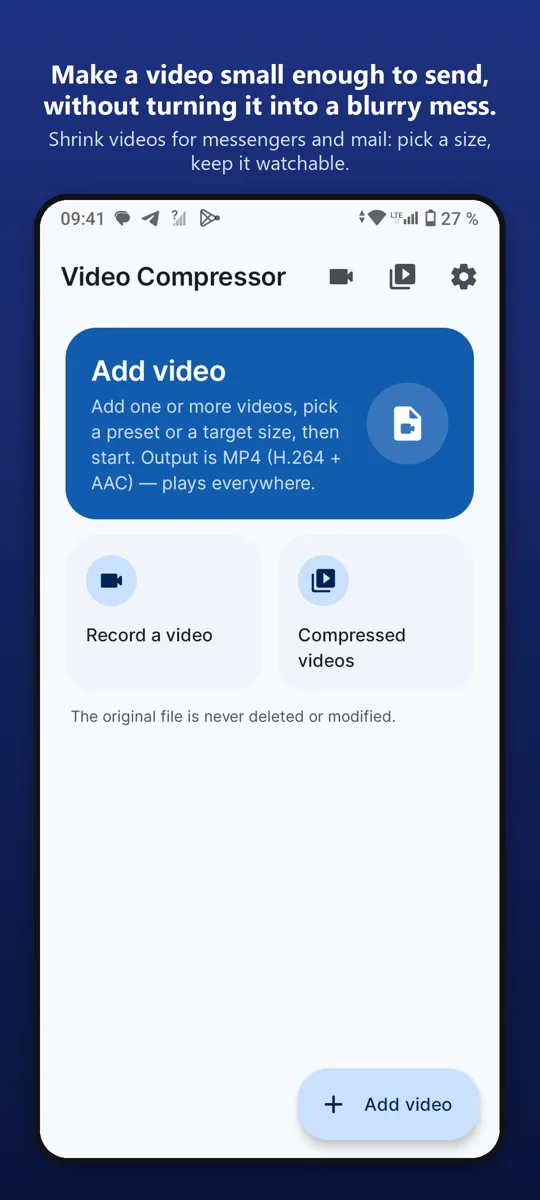
Shrink videos for messengers and mail: pick a size, keep it watchable.
Make a video small enough to send, without turning it into a blurry mess.

What it does
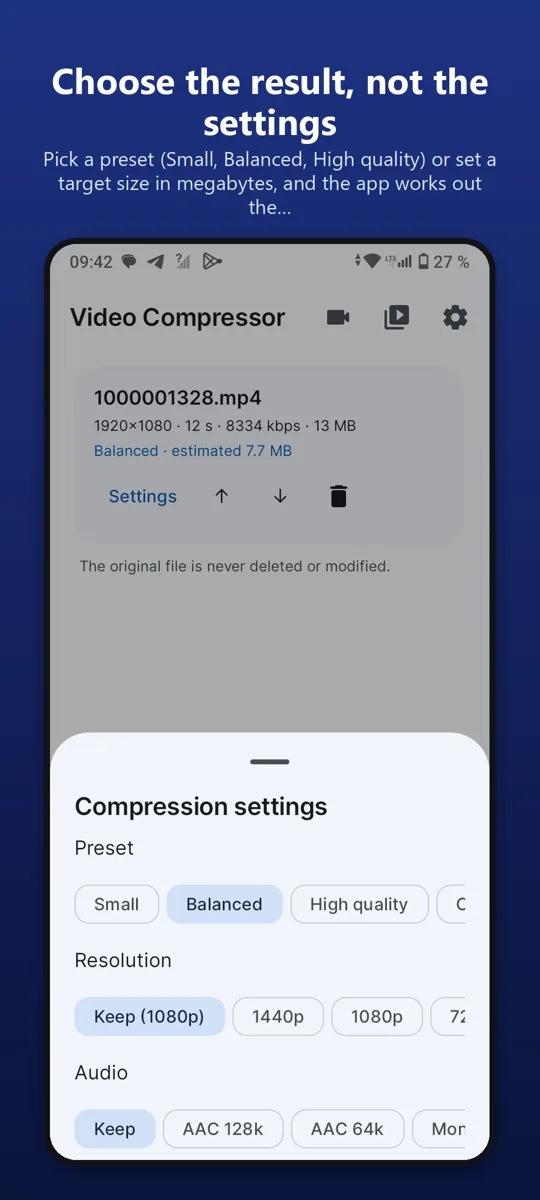
Choose the result, not the settingsPick a preset (Small, Balanced, High quality) or set a target size in megabytes, and the app works out the bitrate for you.
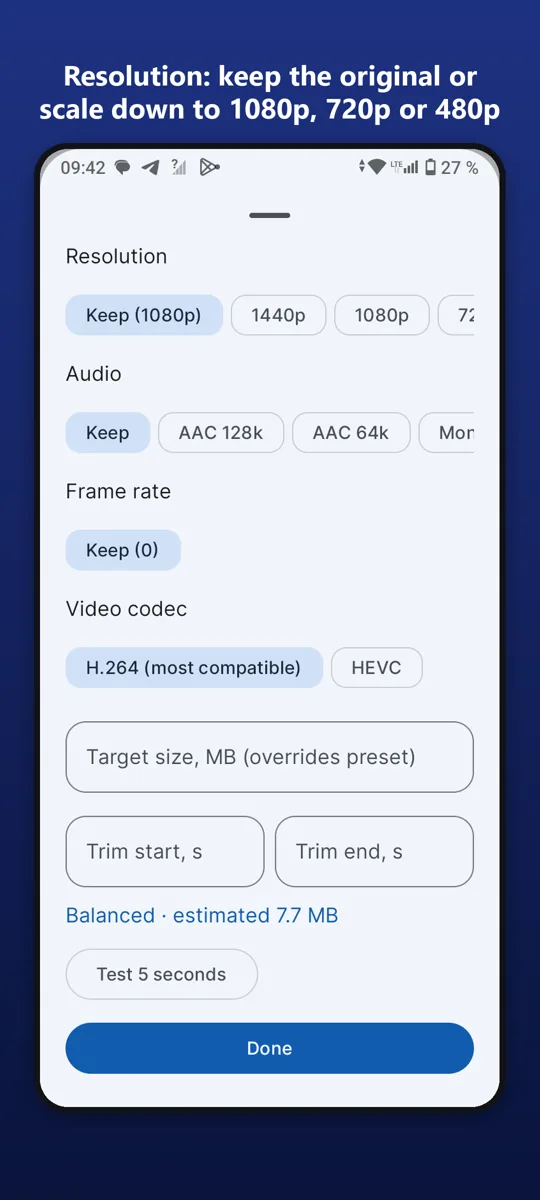
Full control when you want itResolution: keep the original or scale down to 1080p, 720p or 480p. Video bitrate and frame rate. Audio: keep it or mute the clip. Trim: cut the start and the end.
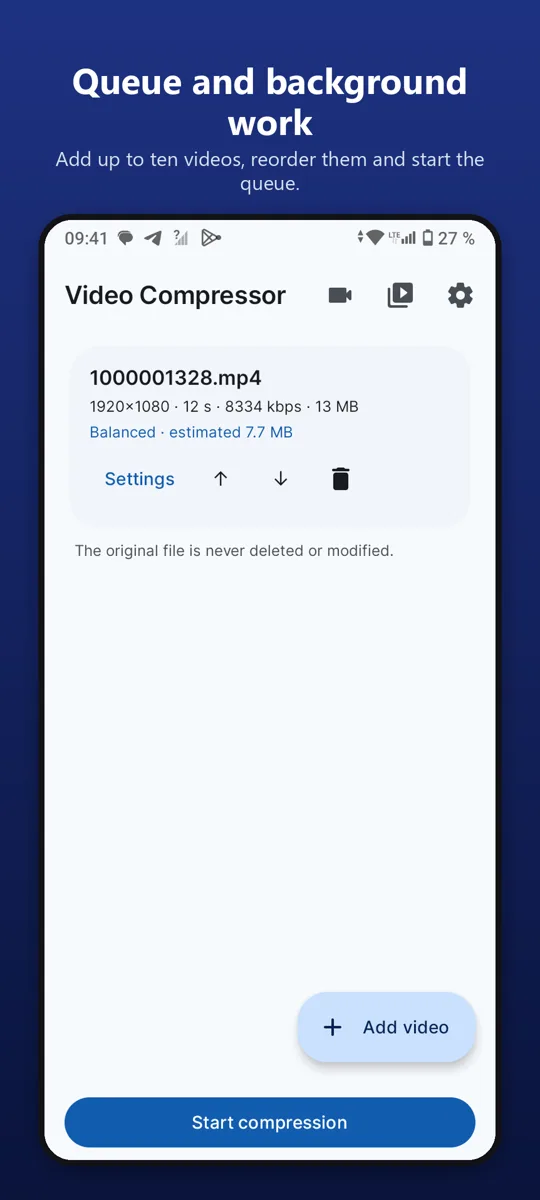
Queue and background workAdd up to ten videos, reorder them and start the queue. Compression continues while you use other apps, with progress in the notification.
Find the resultCompressed videos are saved to the gallery, in the Movies / Video Compressor folder, and the app has its own list of finished files: open, share or delete them without…
Good to knowThe original is never deleted or modified. Everything is processed on the device with the hardware encoder, so nothing is uploaded. Free with ads; one purchase removes them.
Our promise to you
No accounts.Open the app and use it. No sign-up.
Your data stays on your phone.We have no servers that collect it.
One fair price.Remove ads once, forever. No subscriptions.