 Pascual Soft
OCR Scanner: Image to Text
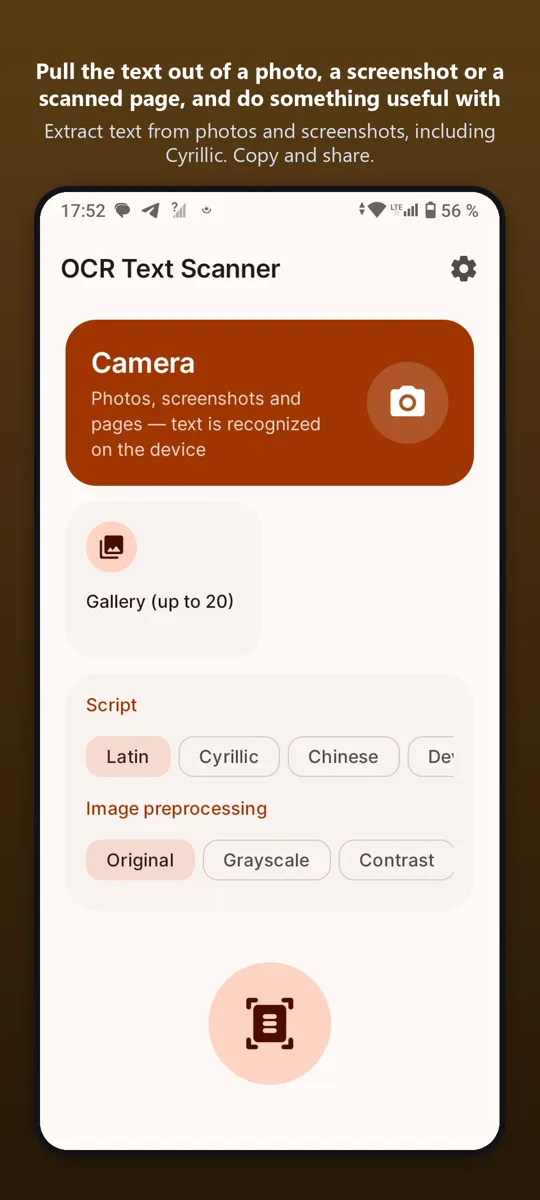
Extract text from photos and screenshots, including Cyrillic. Copy and share.
Pull the text out of a photo, a screenshot or a scanned page, and do something useful with it.

What it does
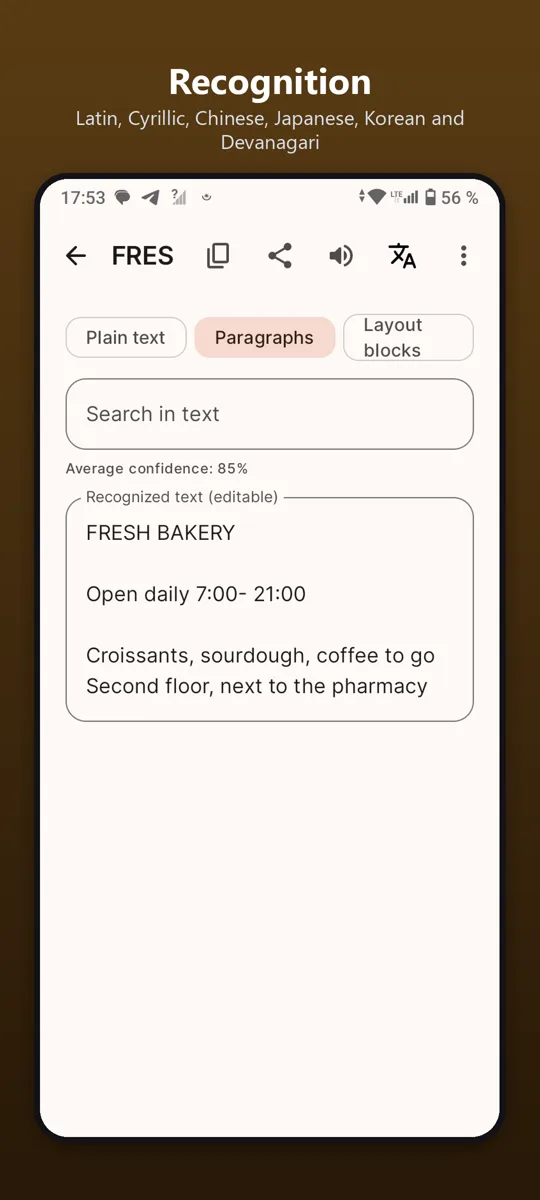
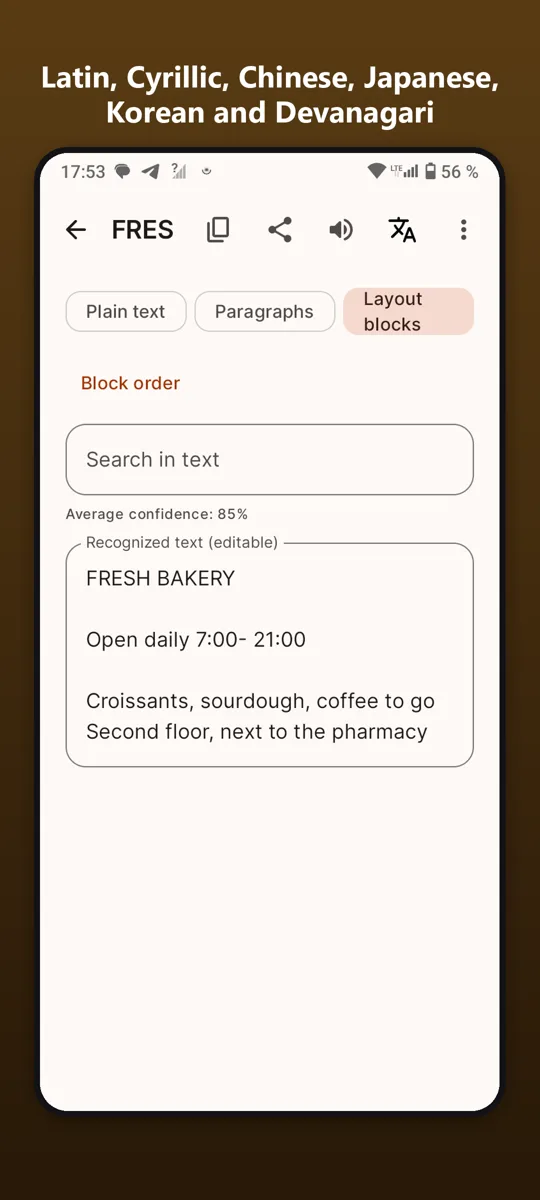
RecognitionLatin, Cyrillic, Chinese, Japanese, Korean and Devanagari.
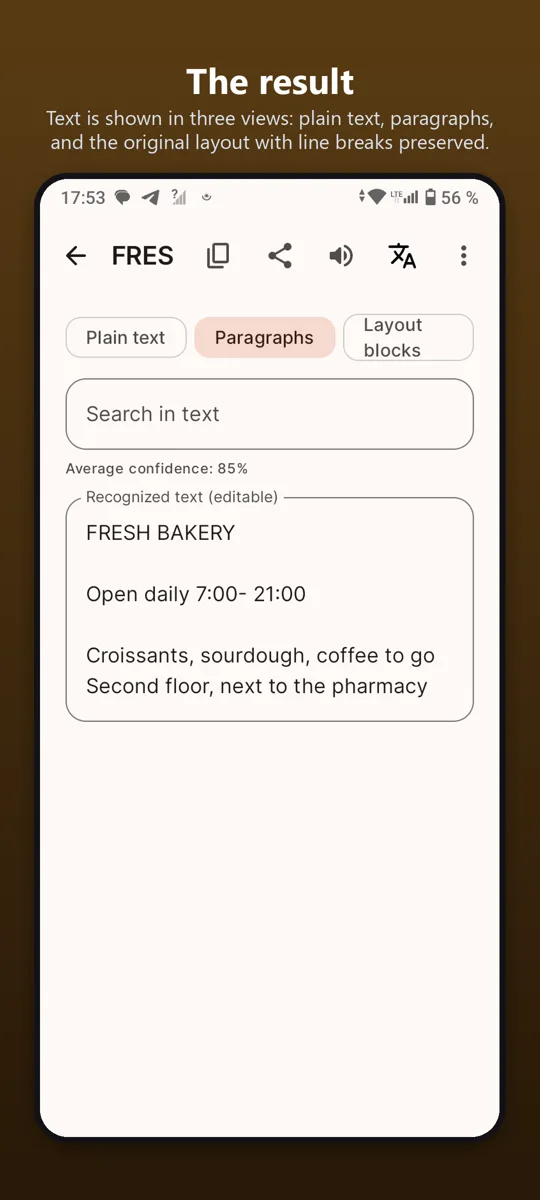
The resultText is shown in three views: plain text, paragraphs, and the original layout with line breaks preserved.
Your documentsRecognised documents are stored on the phone with a title, page count and date. Nothing is uploaded: recognition happens on the device, offline.
What affects accuracySharp focus, even lighting and a straight angle matter more than megapixels. Handwriting is not supported.
Good to knowFree with ads; one purchase removes ads forever.
Our promise to you
No accounts.Open the app and use it. No sign-up.
Your data stays on your phone.We have no servers that collect it.
One fair price.Remove ads once, forever. No subscriptions.