 Pascual Soft
Document Scanner: PDF Scan
Scan documents to clean PDF: auto edges, filters, OCR text, no watermarks.
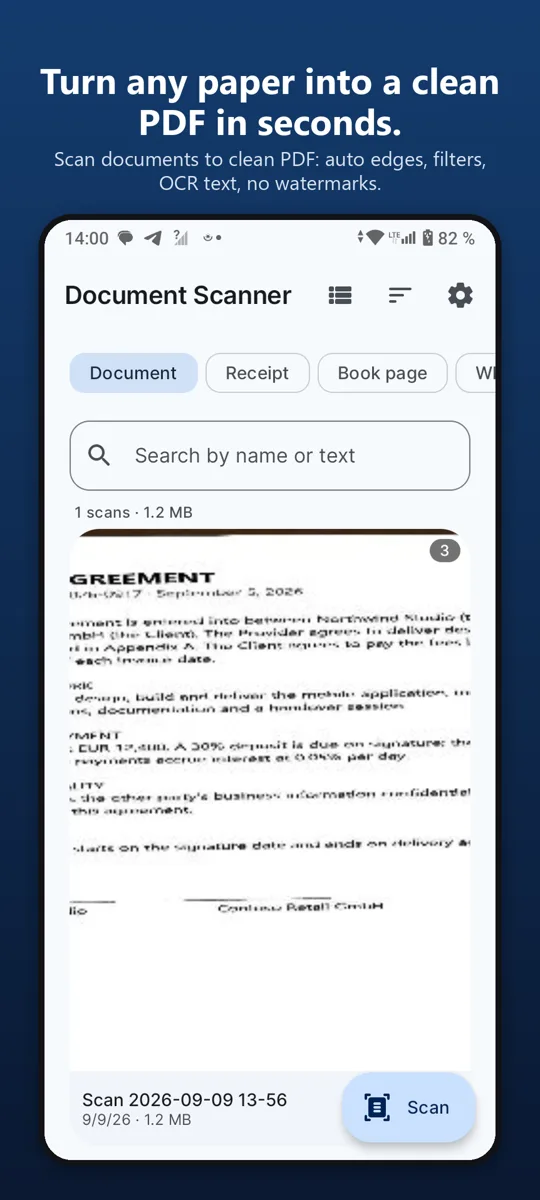
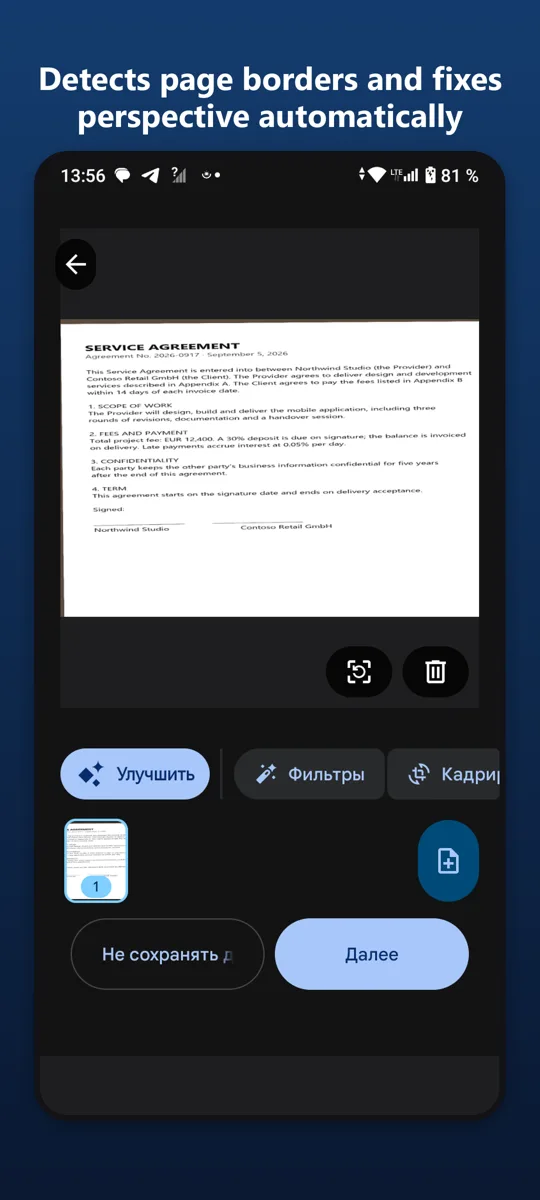
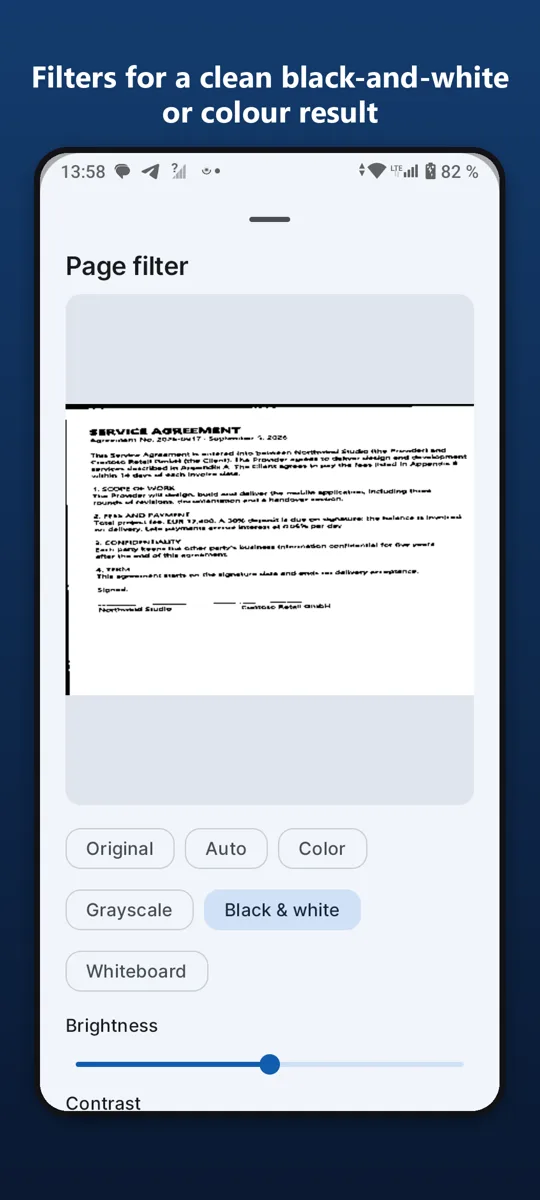
Turn any paper into a clean PDF in seconds. Point the camera at a document, and the app finds the edges, straightens the page and removes shadows automatically.

What it does
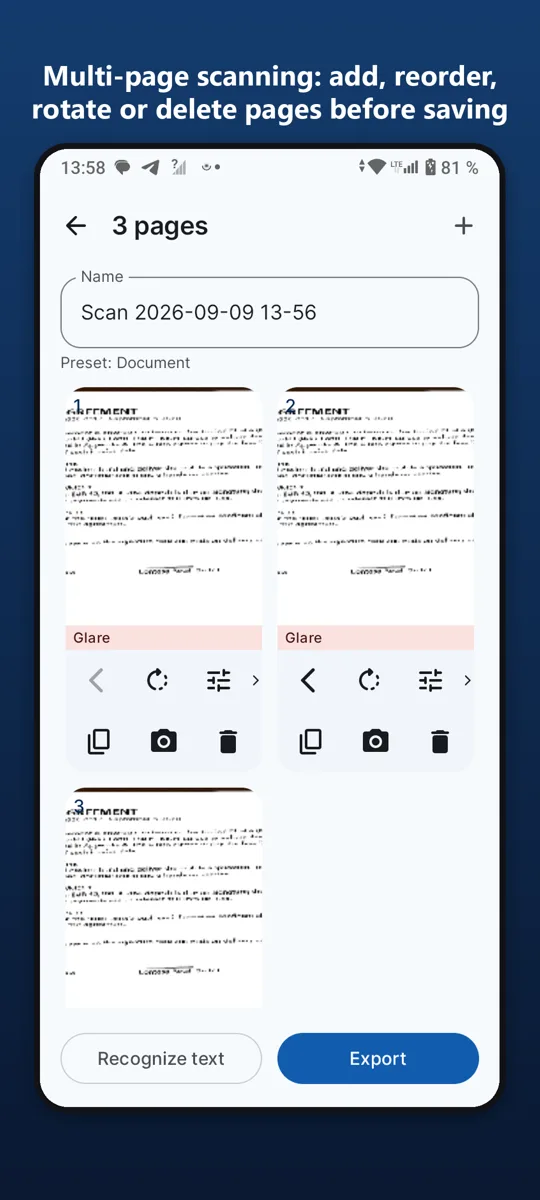
What it doesScans documents, receipts, book pages, whiteboards and ID cards. Detects page borders and fixes perspective automatically.
Your library, not a cloudEvery scan stays on your phone. The library shows large previews, so you can see at a glance what you scanned.
No account, no subscriptionThere is no sign-up, no cloud upload and no watermark on your scans. The app is free and supported by ads; a single purchase removes ads forever and changes nothing else.
PermissionsThe camera is used for scanning only. Files you scan are stored in the app and are never uploaded anywhere.
Good to knowPERMISSIONS
The camera is used for scanning only. Files you scan are stored in the app and are never uploaded anywhere.
Our promise to you
No accounts.Open the app and use it. No sign-up.
Your data stays on your phone.We have no servers that collect it.
One fair price.Remove ads once, forever. No subscriptions.